
Set up AI coding agents in a Windows workspace
Bring Claude Code, Codex, and other coding CLIs into Sourceweave, then make your first small, reviewable change.
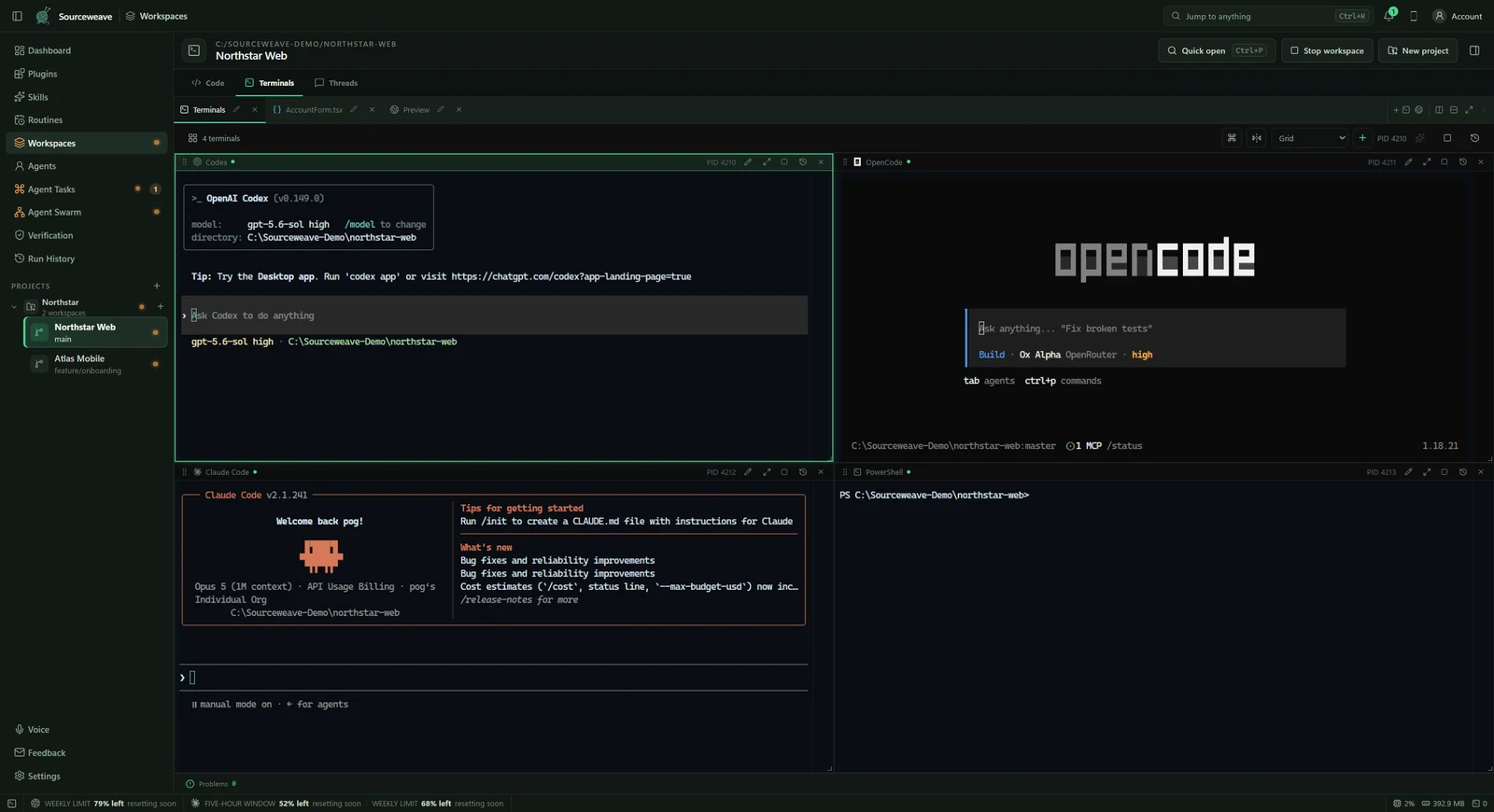
1. Prepare the project and your agent
Install Sourceweave for Windows and sign in with an active subscription. Install and authenticate the coding CLI you want to use, following its provider’s setup instructions. Sourceweave does not include provider subscriptions or model usage. Make sure the project’s dependencies and normal build or test command work before asking an agent to change it.
2. Open a local project folder
Open your project folder as a workspace. Sourceweave detects the repository and available CLIs. Use the file explorer and editor to understand the project, then arrange terminals beside the files you expect to change. For a first attempt, use a project with a clean Git state so your own edits are easy to distinguish from the agent’s work.
3. Choose a terminal or an isolated thread
A workspace terminal runs the actual CLI you selected. Its commands can change the checkout it is running in. For a separate, reviewable attempt, open a workspace thread: the conversation, tool activity, changed files, and checks stay together in an isolated workflow. Choose the mode deliberately before giving an agent permission to edit.
4. Give it a small task and a check
Start with a specific request: ‘Fix the empty-state message in the project list. Keep the current layout, explain the files you changed, and run the existing relevant tests.’ Include the expected behavior and any constraints. Avoid combining unrelated changes in the first task; a narrow result is easier to inspect.
5. Review the result
Read the changed files and the agent’s final explanation. Check that tests actually ran and that their results match the change. For a visual change, open the local application preview. Apply an isolated thread’s result only after that review; a successful agent response alone does not establish that the behavior is correct.